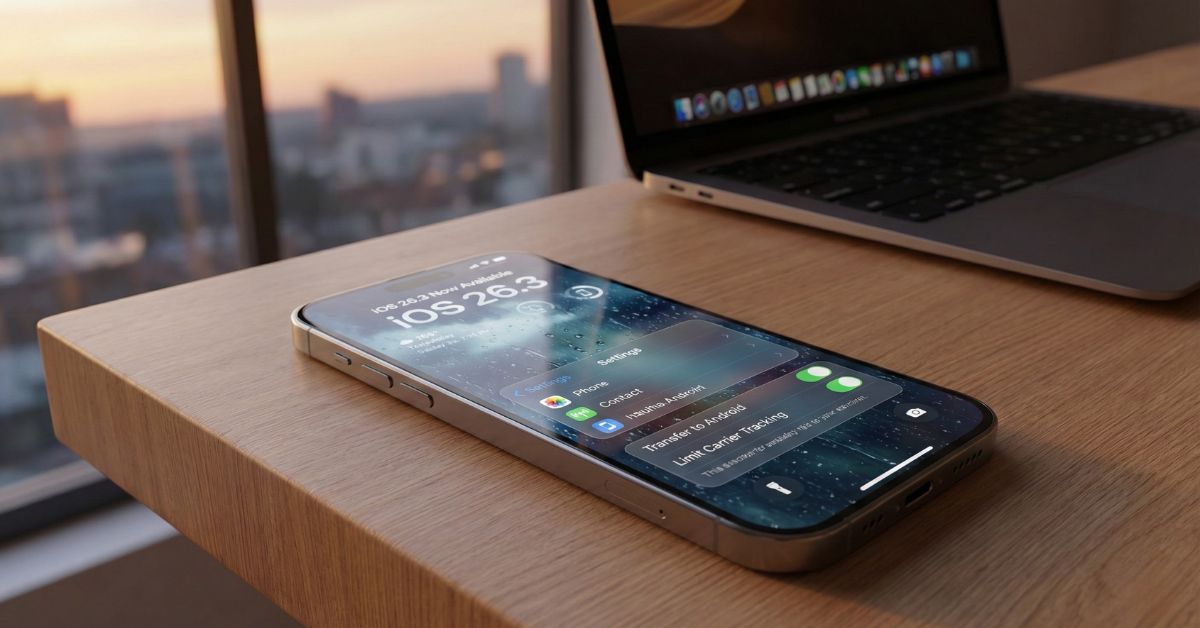
Apple has officially rolled out iOS 26.3, the latest major update for iPhone users in India and globally. While the update note says “bug fixes and security improvements,” digging deeper reveals some massive changes—including a surprising new tool that Apple isn’t talking about loudly.
If you are wondering whether to update your iPhone today or wait, this guide covers everything new, from the controversial “Liquid Glass” design tweaks to important security patches.
What is New in iOS 26.3?
Released on February 11, 2026, this update is available for iPhone 11 and newer models. The file size is approximately 1.2 GB to 1.5 GB depending on your device, so make sure you are on Wi-Fi before tapping download.
Here is the breakdown of the top features.
1. The Secret “Transfer to Android” Tool
This is the biggest addition, but you won’t see it advertised on the Apple homepage. Hidden inside Settings, Apple has added a dedicated migration tool that makes it easier to move data away from iPhone to an Android device.
- Why is it here? This is likely due to pressure from the EU’s Digital Markets Act (DMA) to support “interoperability.”
- How it works: You can now wirelessly transfer photos, videos, free apps, notes, and contacts directly to a nearby Android phone without needing a cable or third-party computer software.
- The Catch: It does not transfer paid apps or iMessage history perfectly yet, but it is a huge step for users who want to switch ecosystems.
2. New “Weather” & “Astronomy” Wallpapers
If you love customizing your Lock Screen, iOS 26.3 brings three new dynamic wallpapers.
- Weather Widgets: The new wallpapers react faster to live Indian weather conditions. If it is raining in Mumbai or foggy in Delhi, your lock screen animation will match the real vibe instantly.
- Font Customization: You can now change the font thickness and color on these specific weather backgrounds, which was locked in previous iOS 26 versions.
3. “Limit Precise Location” for Carriers
This is a major privacy win. Previously, your mobile carrier (like Jio, Airtel, or Vi) could track your precise movements based on signal towers.
With iOS 26.3, a new toggle allows you to Limit Carrier Tracking.
- What it does: It feeds the network a “general area” rather than your exact street address.
- Note: This feature currently supports select modems (found in iPhone 15 series and newer), so older devices might not see this toggle yet.
4. Important Security Fixes (Update Immediately)
Even if you don’t care about wallpapers, you should update for safety. iOS 26.3 patches a critical Bluetooth vulnerability that could allow hackers to crash your device or drain your battery remotely. It also fixes a memory issue in the “Liquid Glass” UI that was causing random app crashes for some users.
5. Liquid Glass Design Smoothened
When Apple skipped iOS 19 to launch iOS 26 (matching the year 2026), they introduced the “Liquid Glass” design. It looks futuristic but felt “heavy” and slow on older phones like the iPhone 12 or 13.
- The Fix: iOS 26.3 optimizes these animations. Opening folders and the Control Center now feels much snappier and less “jelly-like.”
Should You Update to iOS 26.3?
Many users worry about battery drain with new updates. Here is the early verdict for Indian users:
- Battery Life: Early tests show iOS 26.3 is stable. Unlike iOS 26.0 which caused heating, this version seems to handle power management better, especially for 5G users in India.
- Performance: Older iPhones (iPhone 11/12) will feel slightly faster due to the animation fix.
Verdict: YES, you should update. The security patches alone are worth it, and the smoother UI is a nice bonus.
How to Install iOS 26.3
Follow these simple steps to get the update safely:
- Backup: Always take an iCloud or PC backup first.
- Charge: Ensure your battery is above 50%.
- Go to:
Settings>General>Software Update. - Install: Tap “Update Now” and wait for the reboot.
Frequently Asked Questions (FAQs)
Is iOS 26.3 available for iPhone XR?
No, support for the iPhone XR and iPhone XS series ended with iOS 25. iOS 26.3 is only available for iPhone 11 and later models.
Why did Apple jump from iOS 18 to iOS 26?
In 2025, Apple changed its naming strategy to match the current year (2026). This is why we are on iOS 26 instead of iOS 19.
Will the Transfer to Android tool delete my iPhone data?
No, the tool only copies your data to the new device. Your iPhone data remains safe until you manually wipe the phone.
Does iOS 26.3 fix the heating issue?
Yes, for most users. The update optimizes background processes, which should reduce the random heating issues seen in previous iOS 26 versions during charging or 5G use.